WHEN: +iCal
Sat 1st August 2026 22:00 - 08:00 Sun 2nd August 2026WHERE:
Queen Square Queen Square Bristol, BS1 4HL| Type: Open |  |
| Award Distance: | Total Distance: 160km |
| Duration: 10h0 | Speeds: Any!kph |
| Climb: 1500m | AAA: 0 |
BRIEF:
Ride through the night to the seaside! A much-loved classic ride; not a formal Audax just a fun but challenging night out on the bike.
Ride through the night to the seaside! A much-loved classic ride; not a formal Audax just a fun but challenging night out on the bike.
Heading south from Bristol and down Cheddar Gorge, you’ll have a chance for tea and cake from the Scouts. Then across the levels and an optional detour to Taunton for 24 hour food options. Either way you cross the Blackdown Hills as the sun starts to rise, and make your way to Exmouth beachfront for breakfast!
No entry fee but you are encouraged to join the Facebook group and fill out the poll to give an idea of numbers 🙂
Like or loath* it? Log in to let others know.
What others think.
Fantastic
Brilliant ride , fantastic route great controls , Another Fab A.C.B event

Another ACB blast
Typical ACB , great route and organisation…great company too. Only complaint was the sheer volume of potholes, in fact I think you call it a pothole festival or a convention. Some of them were older than some of the rocks we passed in Avebury or Stonehenge.

My first 200k
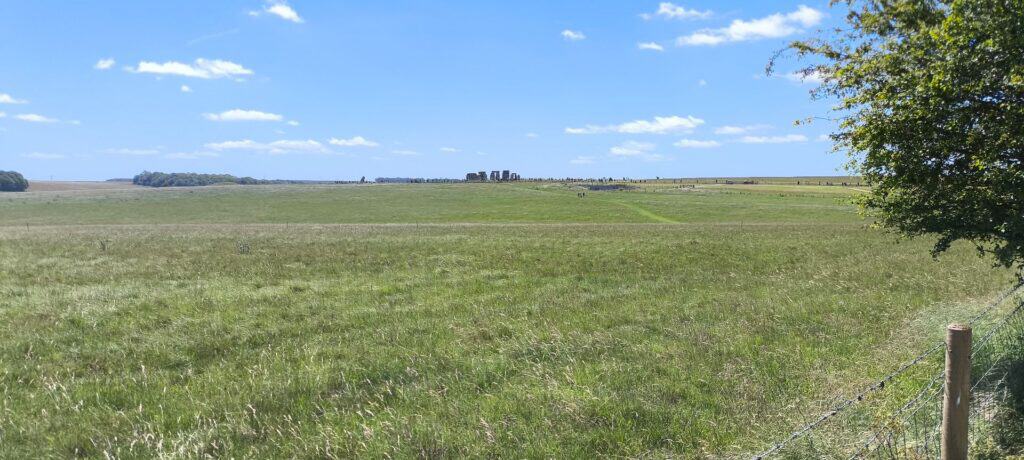
What a great event! If you’re thinking of making the step up to a 200k, or a seasoned hand I would recommend this route to you. Some amazing views, plenty of pleasant lanes, great control/eating stops and a good tour of Britains neolithic past!
Go ride it!
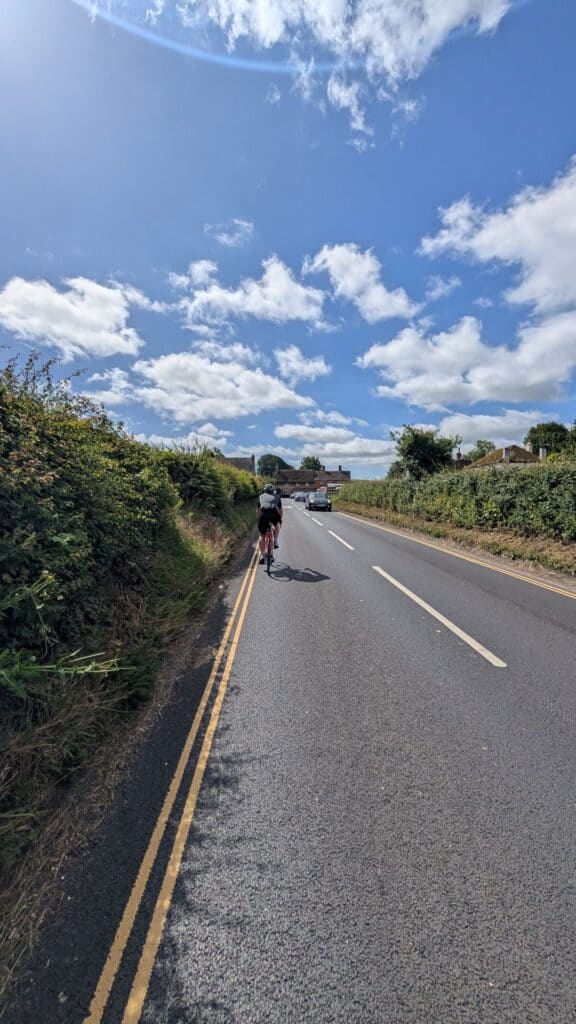
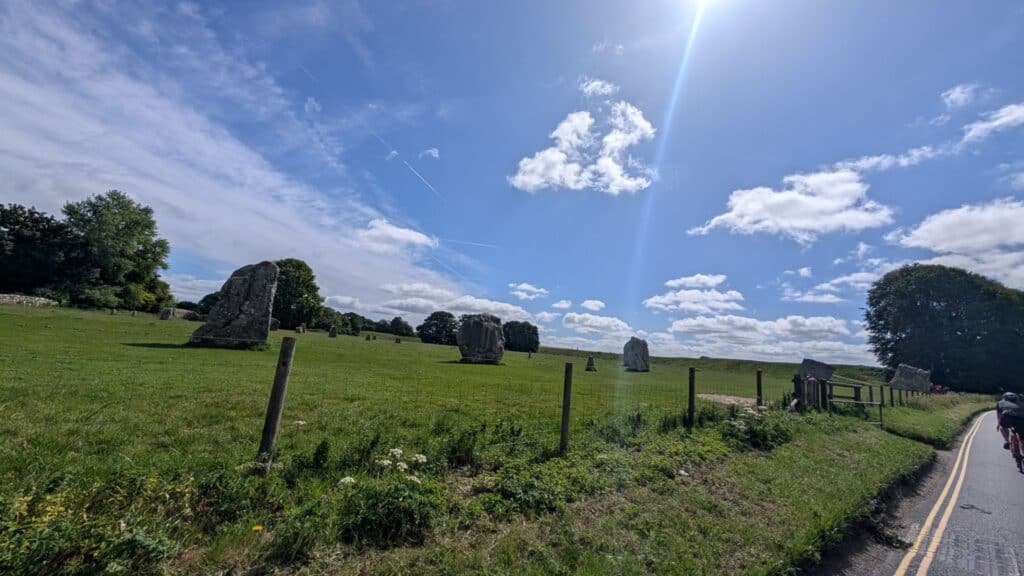

Wow, what a day and what an eclectically diverse bunch.
What an utter privilege to have had this event made available to us, put on to give us something to do, and to have been able to turn out on the day. An extraordinarily creditable testimony to all parties: those who are no longer with us, those who press on in the face of grief soaked memories, those who support quietly in the wings and all the 140(ish) participants who can now spread the word of an outstanding event. Oh yes, not a bad effort with the weather Will; despite acknowledging that it is beyond your control.

Fabulous first Audax experience
Excellent route and great camaraderie. Lovely Cotswold village stops and countryside. Lucky with the weather too – a prefect day of cycling. 🙏🚴🏽♀️
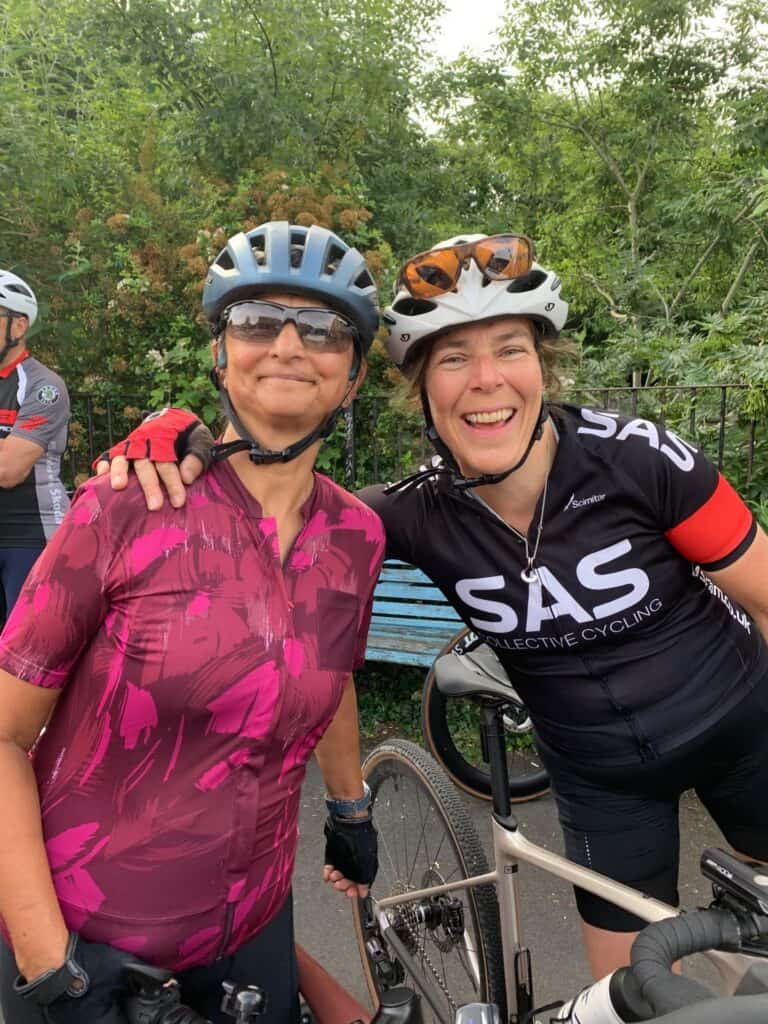
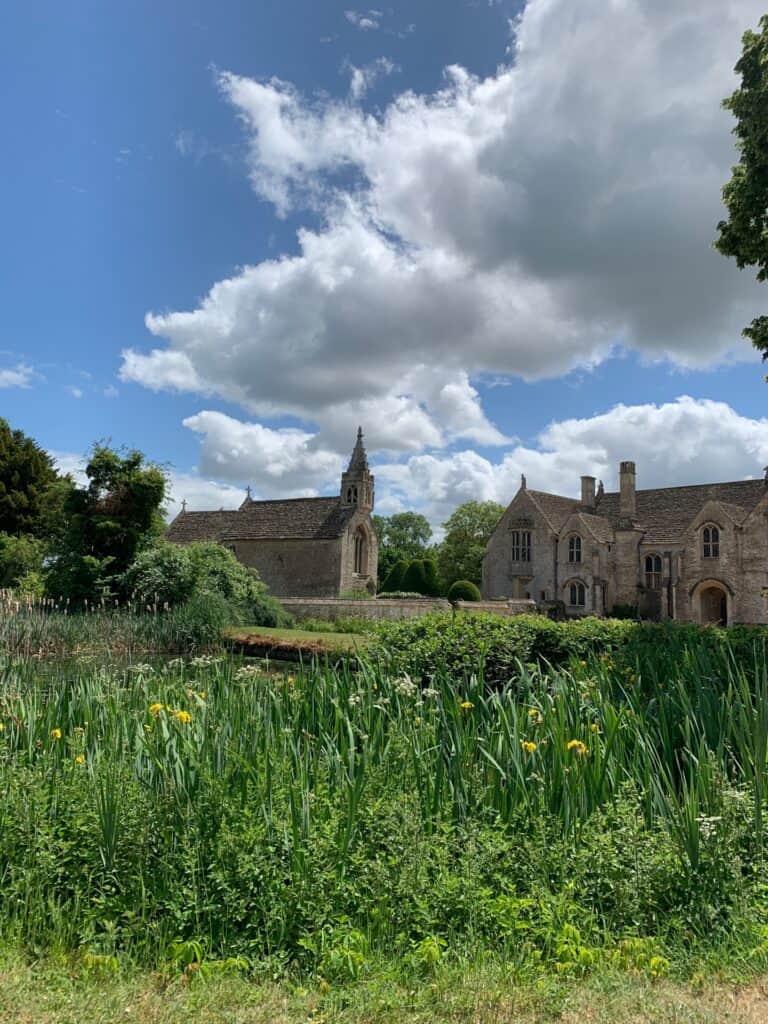

- This event is run in accordance with the event type's terms & conditions and insurance cover provided by the respective body.
- Entries are taken off this site and your personal details handled there.
You are attending this event.
The following ride details are currently:
CONFIRMED - all details have been updated. You will be notified by email of any last minute changes made here.
- Please flick through the following tabs fully and make any preparations before the event.
- Route files & links will be found under the 'Route' tab.
- The event/route specific information will be finalised usually the Monday before the event and you will get an email reminder 3 days prior from [email protected] - add it to your address book to save any disappointment.
- Should you be unable to attend the event I have enabled cancellation from 'My Bookings'. This will aid me in keeping controls informed as to how many to expect and also reduce wastage when printing the brevet cards. Remember there is no option to refund or transfer if you are unable to attend.
- You will receive your brevet card at the start. Should you start the ride and be unable to finish my phone number is within; please drop me a text with your full name to let me know you won't be finishing so volunteers and myself aren't waiting around longer than necessary at controls and the finish.
- Please use 'Enquires' link above for any queries.
New to audax? Have a look at Audax UK's About for an overview & FAQs for commonly asked questions.
- Until the route is finalised the interactive map above will give you an idea of where you are going.
- It is advisable to study the route notes prior to the event for further details; especially if you are just using a GPX breadcrumb trail to navigate. These are also the 'cuesheet' within the RWGPS route; zoom the map to your desired level, click on a cue and it will focus the map at that cue.
- Every effort is made to identify road closures before the event and provide alternatives where necessary; however I can not account for any emergency closures that are required.
- A variety of surfaces may be encountered, some may be as smooth as a baby's bum, others potholed nightmares, or somewhere in between; if any unmetalled sections are used this will be noted in the Event Info above and now visible as 'unpaved' within RWGPS.
- I do my utmost to select low traffic routes but there may be times busier sections are required.
- Mudguards aren't mandatory but if you can fit them why wouldn't you?
- I would always recommend a set of lights as you never know what could happen.
- Similarly consider carrying 2 space blankets; they cost nothing, are tiny, and can keep you and an other warm should the unfortunate happen.
EXTRA DETAILS:
Usually updated the 5th day before the event - the event, route and file (other than 'Key') links will be dead links until this time.Route Files:


CSV route notes - these can be edited in any spreadsheet software.

PDF route notes - a version with maps is available in linked RWGPS route (no account necessary to use the official PDF - use 'More v') or the event.

GPX with control waypoints - if re-uploading to an online planner please make private so as not to confuse others in the future - use this tool to split at waypoints and/or simplify.
RWGPS Links:

RWGPS Event - at least a free account needed but you will get full premium features, including offline maps & voice nav for the app, regardless of your subscription level. To sync to your device (Wahoo, Garmin Edge) you need to join this first.

RWGPS Route - no account needed but you will lack a few advanced features such as early turn warnings.
See the RWGPS App for my tips to use your phone for navigation and maximising battery life.
Troubleshooting:
- Can't copy the RWGPS route to your account? I have disabled this so should any changes be necessary there is the one correct version.
- I do not provide technical services for your device having never used anything other than the RWGPS app.
- Can't add it to Garmin Connect? It isn't an activity. Transfer it to your Garmin via USB.
- Can't send to your device? Join the RWGPS event.
EXTRA DETAILS:
Usually updated the 5th day before the event.Start:
Please arrive at least 10 minutes before the depart time to collect your brevet card.
Queen Square - opens new tab for map. Queen Square, Bristol, BS1 4HL
Access:
- Bike -
- Car -
- Train - Temple Meads is 5 minutes away
Parking: No Parking - Inside CAZ
Food & Drink: No refreshments. Unless specified otherwise above.
Accommodation:
Finish:
Harbour Cafe, Queens Drive, Exmouth EX8 2AY - opens new tab for map & a few details.
Route Controls:
Usually updated the 5th day before the event.
This is what 'audax' is all about. Travelling between controls to collect proof of passage (PoP) to prove you have cycled the distance. The above controls are found in your brevet card, the route notes, as POIs with the route, and waypoints with the GPX. Your brevet card it to be filled out as you progress around the route. PoP is obtained in several ways. It is highly recommended you carry a pen or pencil to fill your brevet card as you go; if it is a long event numbering any receipts to correspond with the control number will save you time later, then keeping them in order is next level!
Types of control:
- CONTROL - a place or venue where you obtain PoP which can be done in several ways. You will be able to get food and/or drink, also WC will be available.
- Manned - a volunteer or venue member of staff will stamp your card providing PoP. All controls are thus unless specified as...
- Free - you must obtain PoP from that place that has a time and date, usually a receipt from a cafe, shop or ATM.
- INFO - a question found in your brevet card that is relevent to the location needs to be answered and recorded.
- CHECKPOINT - similar to a control but there may not be any facilities present.
- SECRET - now that would be telling wouldn't it!
USING YOUR PHONE & RWGPS APP:
I use the RWGPS app on my phone to navigate audax events by using spoken cues, I also use it to route check and proof my route notes. This IMHO is the best of all worlds. I don't need to look at a screen (but I can check if I want), I get clear directions when needed (you may need to get used to my shorthand which gets spoken as such), I get a warning if I'm off route, the battery lasts a lot longer than constantly using the screen; especially nowadays as phone batteries are getting bigger plus many are able to rapid charge in a short amount of time. All you need is a good case and mount for inclement weather.
- Install the app.
- Join the event.
- Go to the route.
- Send to device.
- Open app and confirm download.
- In settings (exact location varies depending on iOS or Android) to optomise for best battery use:
- Logging - adjust interval: every 10s is best for the battery, logs your ride but won't get you any KOMs; every 1s uses 10x more battery power to write data but may get you a KOM if you pedal quick.
- Navigation - Spoken alerts ON | Off-course alerts ON | others at your discretion.
- Handlebar mode ENABLED - this will keep RWGPS above any screen lock so you can recall it if needed by pressing power button or similar.
- Handlebar mode - Screen OFF for cues | Proximity Wake OFF (otherwise changes in light will turn the screen on) | Keep screen on NEVER.
- Offline mode ENABLED - when you start riding.
- Better still use flight/aeroplane mode whilst riding.
- You can adjust the text-speech settings via your phone settings; the type of voice, playback speed etc.
Most of the battery drain on a phone is from the screen. By using voice commands you eliminate this but can still view the map if needs be. The second biggest drain whilst cycling is the phone itself searching for a signal as you move between cell towers; putting the phone into flight/aeroplane mode whilst moving solves this problem; you can easily turn data back on to #tag that #CAKE at the next stop!
ANDROID:
Make sure battery optimisation is turned off otherwise Android will recognise RWGPS as an excessive battery drain and can limit its functionality. This will be particularily evident if you stop for a bit without GPS signal then continue; the app will appear to be functioning correctly but Android will limit it and data can be lost from the stop point until the app is restarted. There may be a similar feature in iOS.
- Settings >Apps.
- Find RWGPS and expand Advanced >Battery.
- If it says optomised then select and wait for all apps to load.
- Make sure the apps displayed are 'All apps', find RWGPS and select.
- Select 'Don't optimise'. Exit settings.